Pins, videos & images

Free Pinterest Video Downloader

Download Pinterest videos & pins online free!!

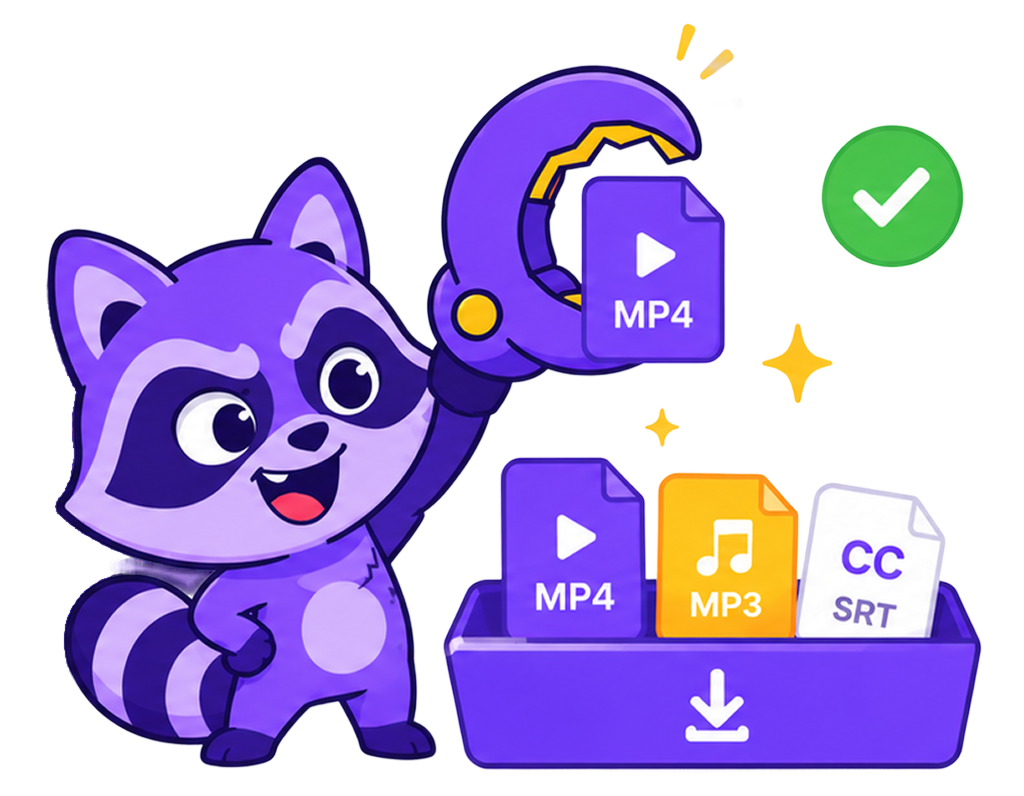
Snag the raccoon with downloaded Pinterest files

Pinterest downloader: MediaGrabber's Pinterest downloader saves video Pins as MP4, Idea Pins as a single MP4 or per-frame JPEGs, and image Pins at full resolution. Pinterest's overlay watermark is stripped on supported Pins, and original aspect ratios are preserved. Public Pins work without an account; secret boards require a signed-in browser session. Free, no installs, no link logging.

What is a Pinterest downloader?

Pinterest downloader
A Pinterest downloader is a tool that saves Pinterest video Pins, Idea Pins, and image Pins as local files at full source resolution. MediaGrabber's Pinterest downloader exports MP4 with the Pinterest overlay watermark removed, Idea Pins as MP4 or per-frame JPEGs, and image Pins at the original creator-upload size.

Pinterest downloader at a glance

  • 3000×4500 Image Pin original-upload resolution preserved
  • MP4 + JPEG Idea Pin export options (one MP4 or per-frame JPEG)
  • 0 Servers that see your link or download
  • 100% Free, no signups, no app install

Supported Pinterest formats compared

Format Type Maximum quality Best for
MP4 (H.264 / HEVC)
ISO/IEC 14496-14
Video + audio container Up to 8K (7680×4320) when source provides Universal playback on phones, TVs, and editing software
WebM (VP9 / AV1)
webmproject.org
Open video container Up to 4K (3840×2160) Web-native playback, smaller files at equal quality
MP3
ISO/IEC 11172-3
Audio codec + container Up to 320 kbps CBR Music libraries, podcasts, voice memos

How to download from Pinterest in 3 steps

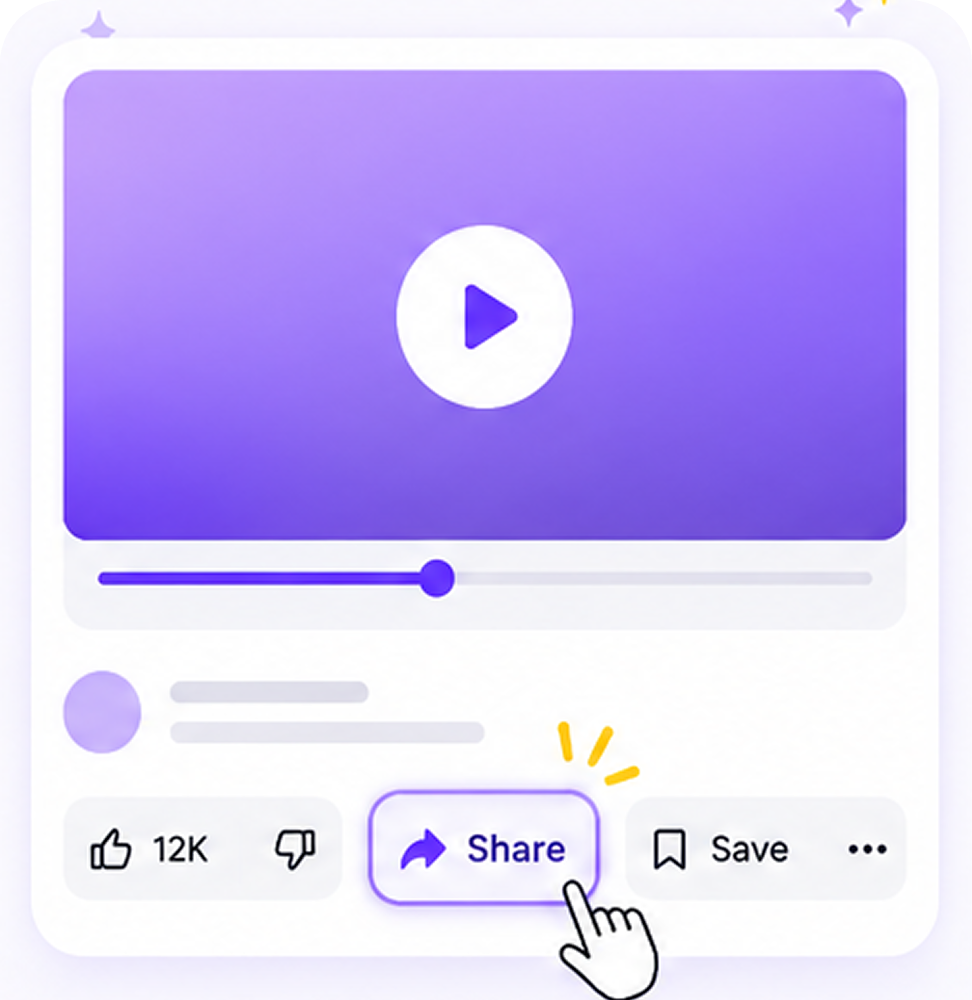
  1. Step 1. Open the app and find the resource you want to save. Tap the Share button on the media page.
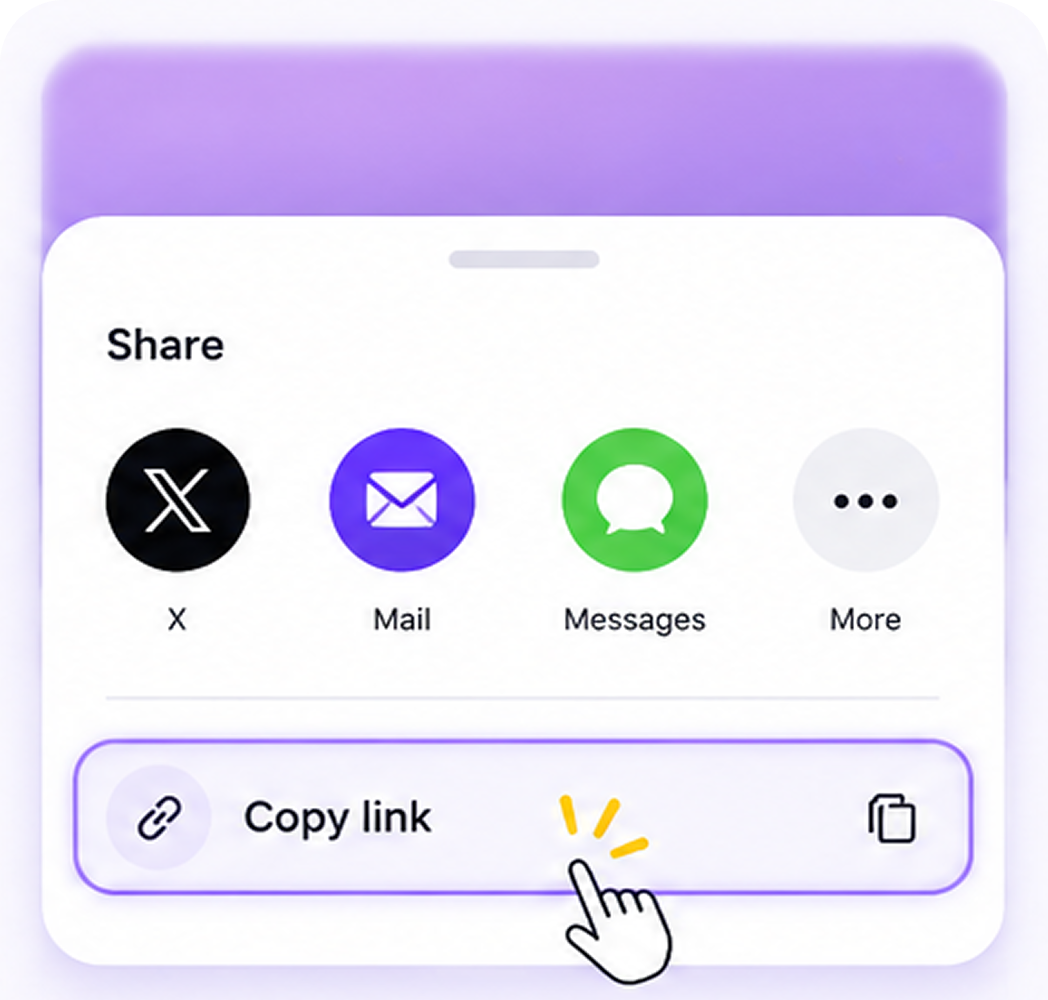
  2. Step 2. From the share menu, find and tap Copy URL to copy the link.
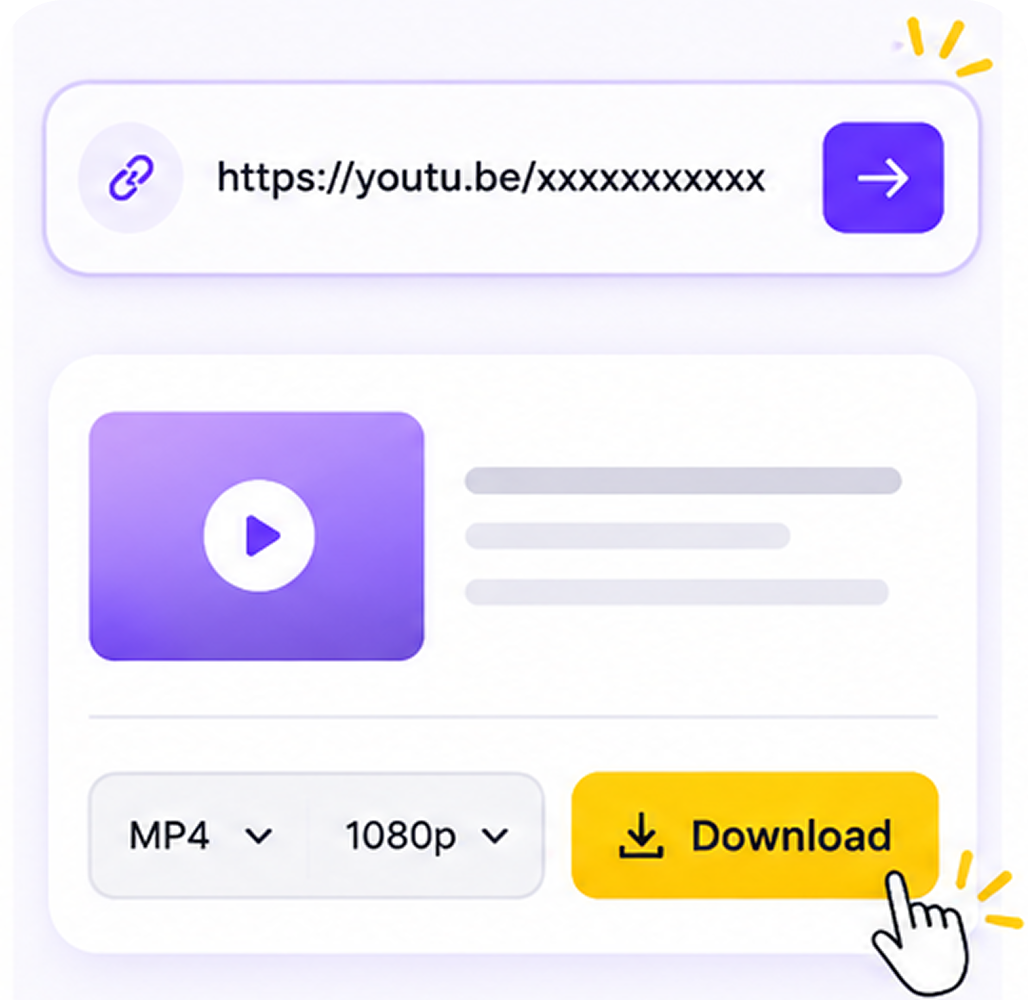
  3. Step 3. Enter MediaGrabber.App, paste the copied link, select the download resource you need, and click Download.

Quick answers

How do I download a Pinterest video?

Tap the share arrow on the Pin and pick Copy Link. Paste the URL into MediaGrabber. Video Pins return as vertical MP4 with audio intact; the Pinterest watermark is removed where supported. If the Pin is actually a redirect to TikTok, YouTube, or another platform, MediaGrabber follows it to the original source and downloads from there.

Can I save Pinterest Idea Pins?

Yes. Paste the Idea Pin URL and MediaGrabber returns either a single combined MP4 that plays through every frame with the original audio, or a folder of individual JPEG/MP4 frames depending on what you pick. Music added in Pinterest's editor is preserved in the MP4 export. Frame JPEGs are full source resolution.

What image resolution does MediaGrabber save Pinterest Pins at?

Pinterest stores multiple resolutions per Pin — thumbnails for the feed and the original at full upload size. MediaGrabber requests the highest-resolution variant Pinterest serves, which for most modern Pins is the original creator upload (often 1000×1500 to 2000×3000+ for vertical Pins). No upscaling — what you get is the real source file.

Suggestions for you

Relate To Pinterest

Pinterest Video Downloader

Pinterest Downloader

Pinterest Shorts

Pinterest to MP3

Pinterest Audio Downloader

Pinterest Song Downloader

Pinterest MP4 Downloader

Pinterest Music Downloader

How to download Pinterest

Steps to Download from Desktop

Open the app and tap Share
Tap Copy URL to copy the link
Paste link into MediaGrabber and Download

FAQs

Frequently asked questions

Yes — every Pinterest tool on MediaGrabber is completely free, with no signups or limits.

MP4 up to 8K, WebM, and MP3 audio. We auto-pick the highest quality available.

Public posts work without an account. Private or restricted content may require a signed-in browser session.

No. Everything runs in your browser — your links never touch our servers.

Yes — MediaGrabber works on any modern mobile browser.