Quick answers
How do I download a YouTube video?
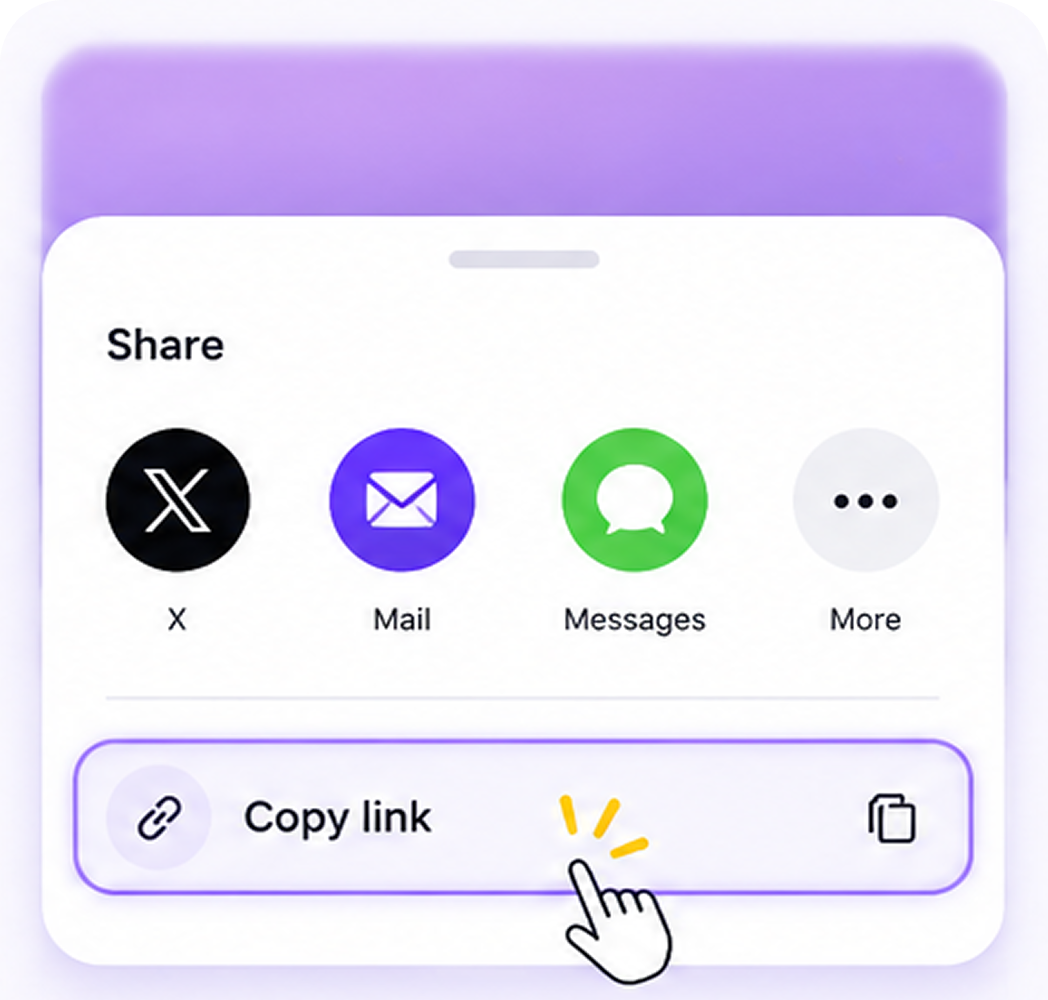
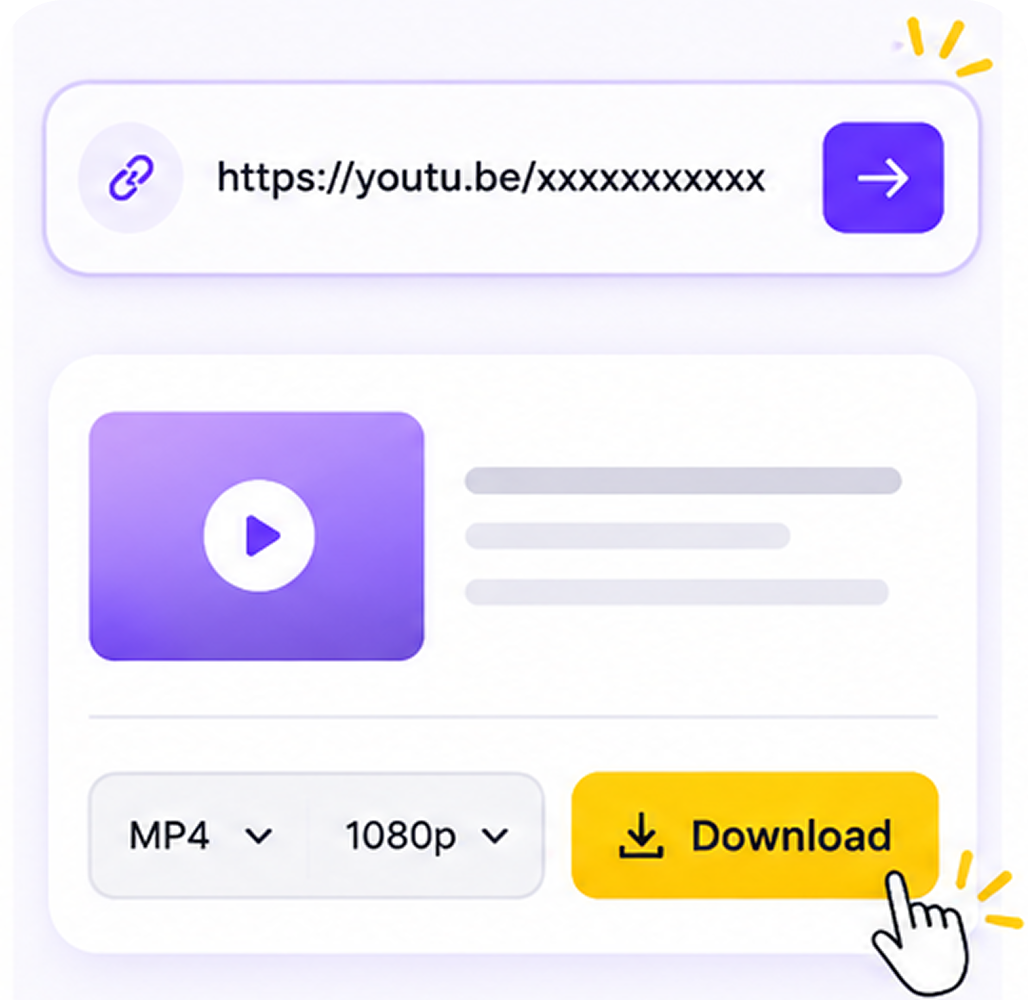
Copy the YouTube video URL from your browser address bar or the Share menu. Paste it into MediaGrabber's input field. Pick MP4 for video or MP3 for audio, then choose a quality from 144p up to 8K when YouTube serves it. Click Download and the file saves directly to your device — no signups, no install.
Can I save a YouTube playlist all at once?
Yes. Paste the playlist URL (the link with `&list=`) and MediaGrabber queues every public video in the playlist. You pick one quality preset that applies to the whole queue. Long playlists download sequentially in your browser; closing the tab cancels remaining items, so keep it open until the last file finishes.
What is the highest quality I can download from YouTube?
The ceiling is whatever YouTube has on the source. Most uploads cap at 1080p; popular creators publish 4K, and select channels go to 8K HDR. MediaGrabber surfaces every track YouTube serves — pick the resolution and codec you want from the dropdown. For audio-only, MP3 exports up to 320 kbps.