Snapchat Downloader — Spotlight Clips & Public Stories

Snapchat downloader: Paste a Snapchat Spotlight URL or a public Story link to download the clip as MP4 in its original vertical resolution, or pull just the sound as MP3. MediaGrabber handles short Spotlight videos and longer Story compilations from public creators. Private snaps and friends-only Stories aren't downloadable. Everything runs in your browser so we never see the file.

Coming soon

Snapchat downloads are on the way

We're still wiring up Snapchat. YouTube downloads work right now — and Instagram is next.

Download from YouTube →

What you can download from Snapchat

  • Spotlight clips in vertical MP4
  • Public Story episodes (compilation supported)
  • Audio extracted to MP3
  • Lens previews and effect demo videos
  • Original aspect ratio preserved
  • Captions burned in or saved separately

Quick answers

How do I download a Snapchat Spotlight video?

Open the Spotlight clip on snapchat.com or in the app, tap Share, and pick Copy Link. Paste the URL into MediaGrabber. Spotlight videos return as vertical MP4 in the original resolution Snapchat hosts. Captions burned into the video stay; MediaGrabber doesn't re-render. The download starts immediately and saves to your device.

Can I download a private Snapchat story sent to me?

No. Private snaps and friends-only Stories are encrypted between you and the sender and are designed to disappear. MediaGrabber only supports content that Snapchat exposes publicly — Spotlight, public profile Stories, and shared Lens videos. Screen-recording your own device is the path for private content, but consider the sender's expectations first.

What resolution do Snapchat downloads come in?

Snapchat encodes Spotlight at 1080×1920 for newer uploads and 720×1280 for older clips, both vertical. MediaGrabber pulls whatever the source serves without re-encoding, so quality matches what you see on the app. Frame rate is typically 30 fps. There's no "HD upgrade" — if the source is 720p, that's the ceiling.

How to download from Snapchat in 3 steps

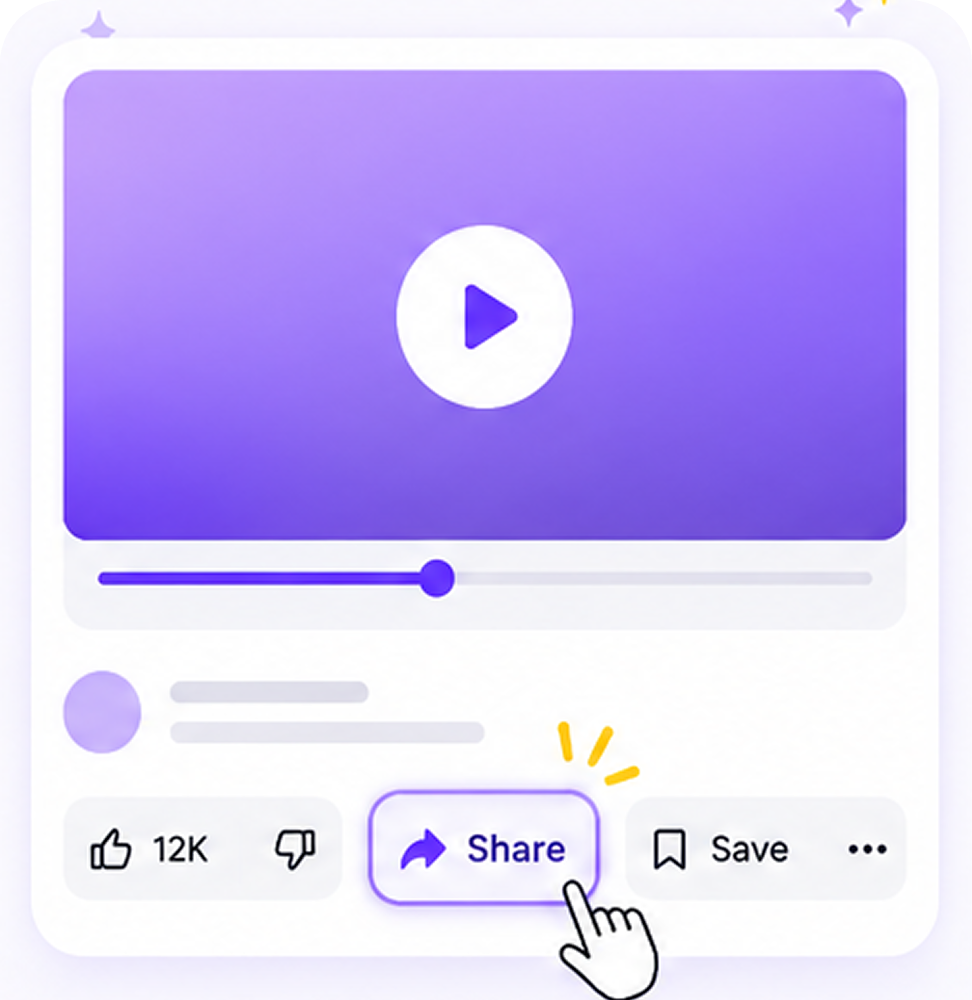
  1. Step 1. Open the app and find the resource you want to save. Tap the Share button on the media page.
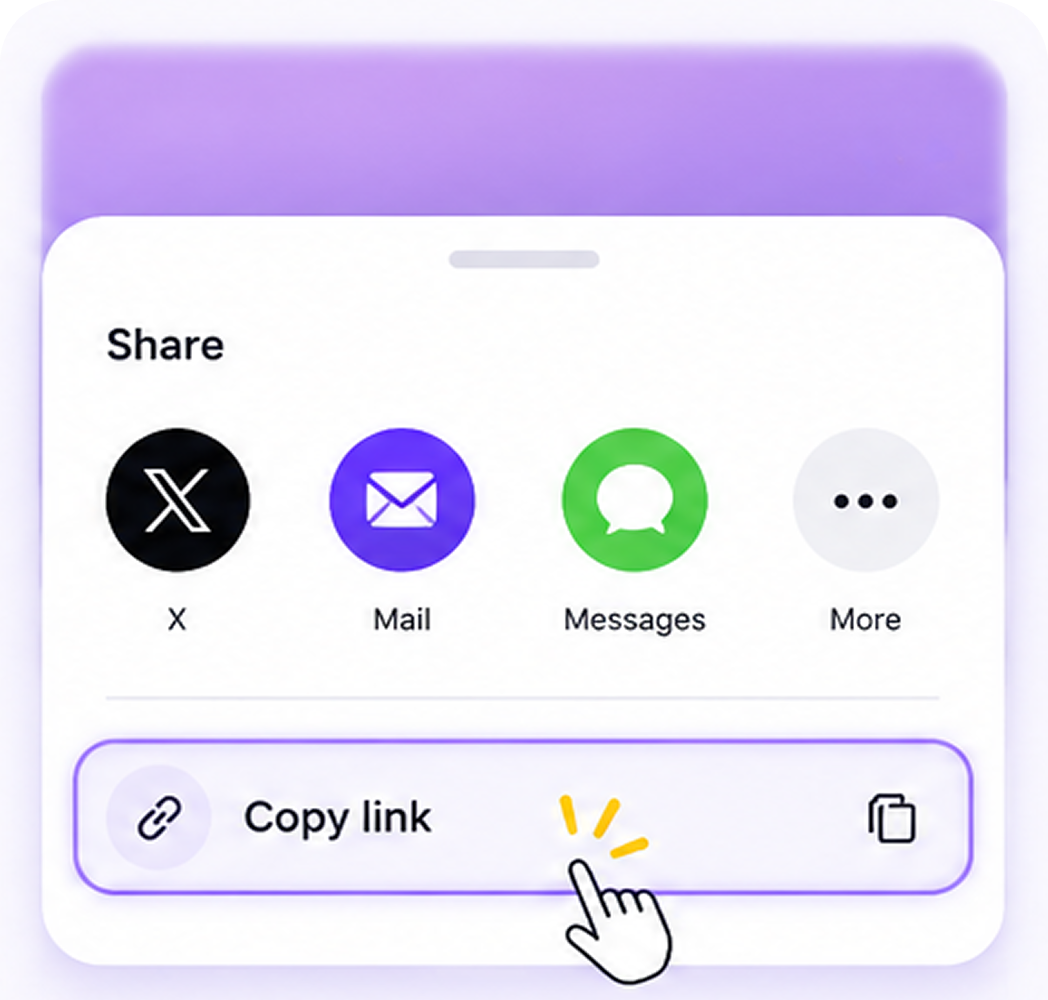
  2. Step 2. From the share menu, find and tap Copy URL to copy the link.
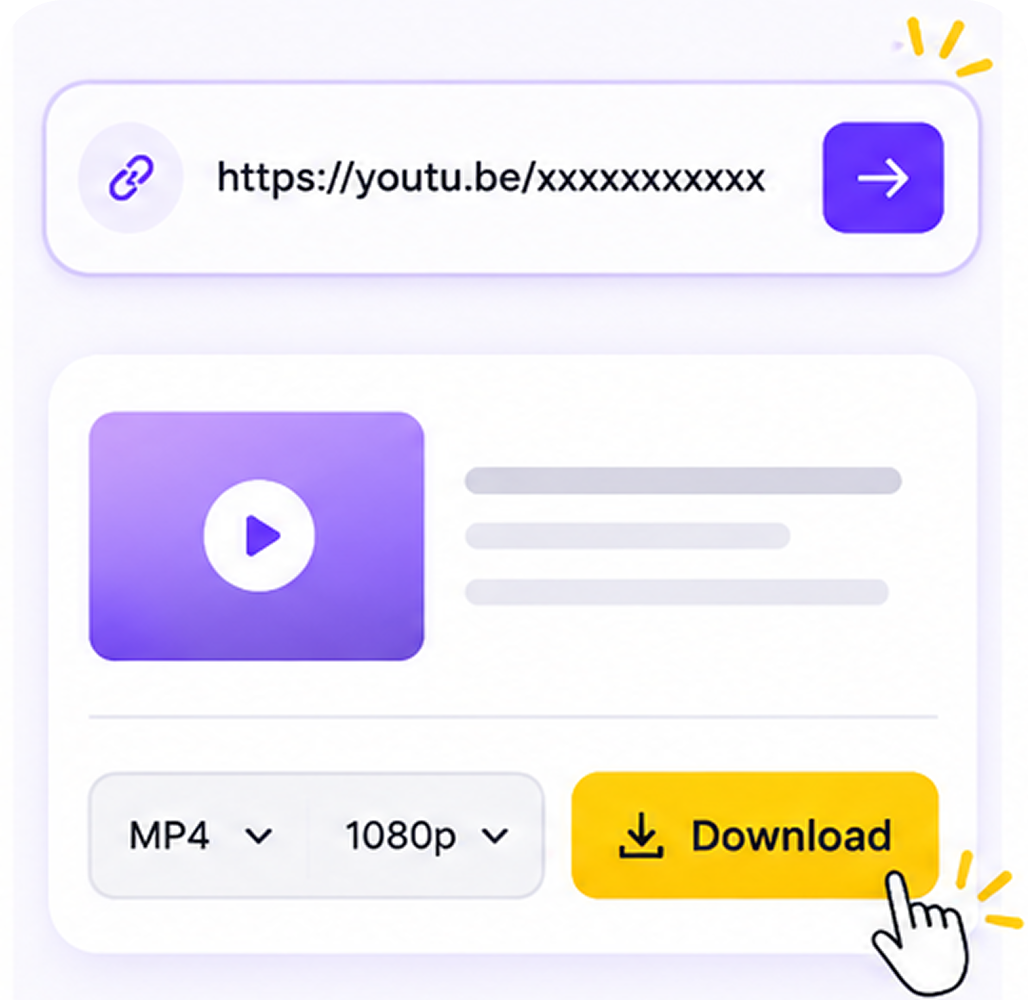
  3. Step 3. Enter MediaGrabber.App, paste the copied link, select the download resource you need, and click Download.

What is a Snapchat downloader?

Snapchat downloader
A Snapchat downloader is a tool that saves public Snapchat Spotlight clips, public Stories, and Lens demo videos as local files. MediaGrabber's Snapchat downloader exports vertical MP4 at the source's native resolution (typically 1080×1920) or extracts MP3 audio. Private snaps remain inaccessible by design.

Snapchat downloader at a glance

  • 1080×1920 Spotlight source resolution preserved
  • 30 fps Frame rate kept identical to Snapchat source
  • 0 Servers that see your link or download
  • 100% Free, no signups, no app install

Supported Snapchat formats compared

Format Type Maximum quality Best for
MP4 (H.264 / HEVC)
ISO/IEC 14496-14
Video + audio container Up to 8K (7680×4320) when source provides Universal playback on phones, TVs, and editing software
WebM (VP9 / AV1)
webmproject.org
Open video container Up to 4K (3840×2160) Web-native playback, smaller files at equal quality
MP3
ISO/IEC 11172-3
Audio codec + container Up to 320 kbps CBR Music libraries, podcasts, voice memos

Suggestions for you

Relate To Snapchat

Snapchat Video Downloader

Snapchat Downloader

Snapchat Shorts

Snapchat to MP3

Snapchat Audio Downloader

Snapchat Song Downloader

Snapchat MP4 Downloader

Snapchat Music Downloader

How to download Snapchat

Steps to Download from Desktop

Open the app and tap Share
Tap Copy URL to copy the link
Paste link into MediaGrabber and Download

FAQs

Frequently asked questions

Yes — every Snapchat tool on MediaGrabber is completely free, with no signups or limits.

MP4 up to 8K, WebM, and MP3 audio. We auto-pick the highest quality available.

Public posts work without an account. Private or restricted content may require a signed-in browser session.

No. Everything runs in your browser — your links never touch our servers.

Yes — MediaGrabber works on any modern mobile browser.