TikTok Downloader — No Watermark, HD MP4 & MP3

TikTok downloader: Paste a TikTok link to grab the video without the corner watermark, in vertical HD MP4 or as MP3 audio. MediaGrabber handles regular For You posts, Story replies, and TikTok Photo slideshows. Everything runs in your browser, so the link you paste never reaches our servers — no login, no app install, no watermark stamped on the file.

Coming soon

TikTok downloads are on the way

We're still wiring up TikTok. YouTube downloads work right now — and Instagram is next.

Download from YouTube →

What you can download from TikTok

  • Vertical HD MP4 with no TikTok watermark
  • Original sound exported to MP3
  • For You feed videos and reposts
  • TikTok Photos slideshow downloads
  • Live stream replays (when available)
  • Captions saved as a separate file

Quick answers

How do I download a TikTok video without the watermark?

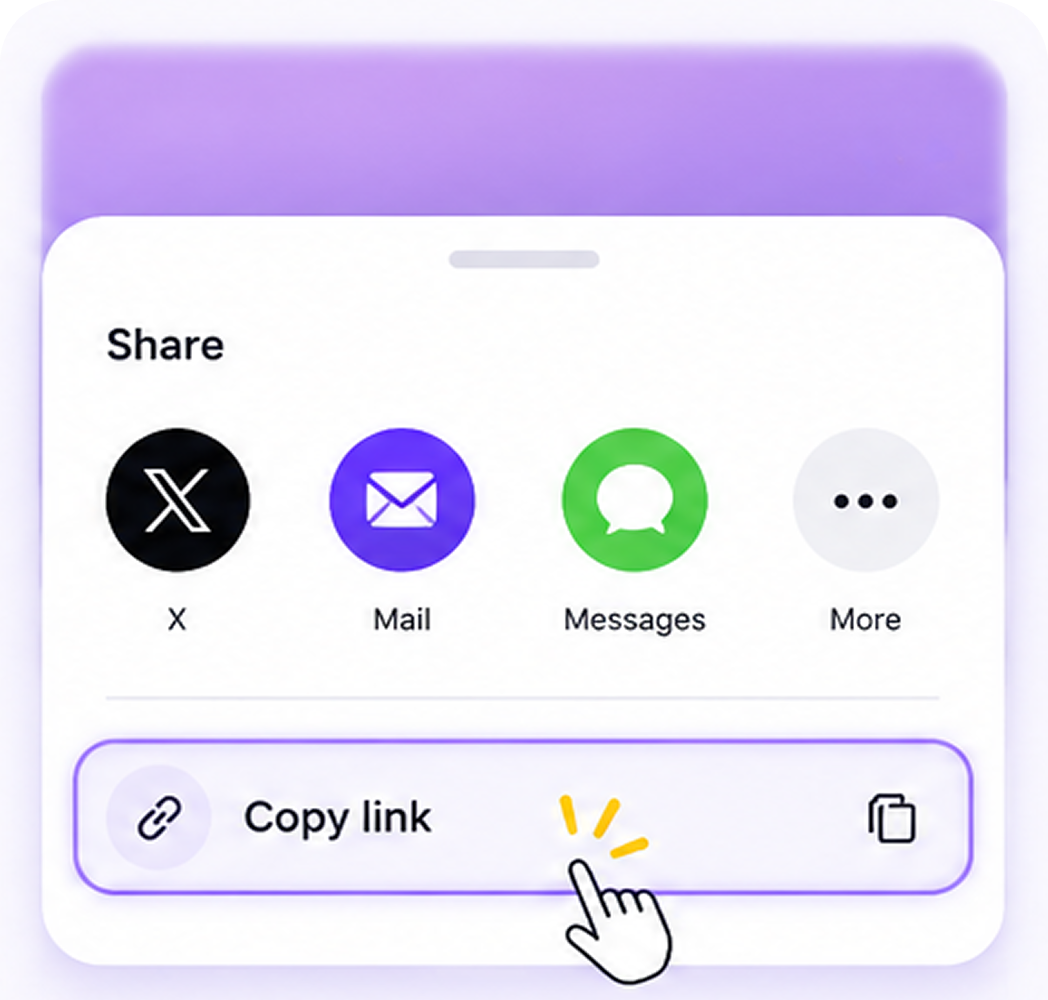
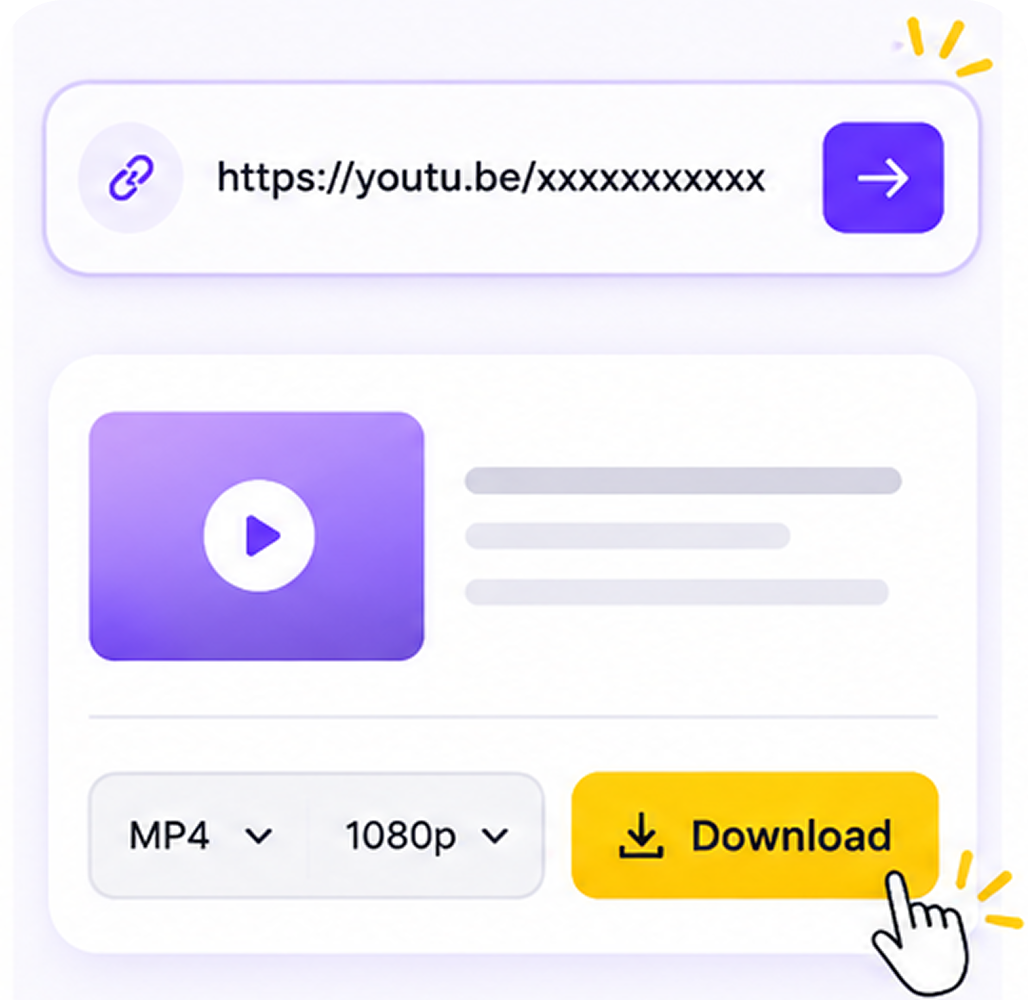
Tap Share on the TikTok video, then Copy Link. Open MediaGrabber, paste the link, and pick the HD MP4 option marked “no watermark.” The file saves to your device with the TikTok username overlay removed, in the original vertical aspect ratio. The whole process happens in your browser without signing into TikTok.

Can I download TikTok Photo slideshows?

Yes. Paste the link to a TikTok Photo post and MediaGrabber returns either a single MP4 that pans through each image with the original audio, or a ZIP of the still photos at full resolution. Pick whichever the platform you're posting to needs. Background music is preserved in the MP4 export only.

Is downloading TikTok videos legal?

Downloading your own TikToks or publicly posted content for personal offline use is generally permitted, but reuploading someone else's video without credit or permission can violate TikTok's terms and copyright law. MediaGrabber doesn't strip creator attribution from metadata — keep credits visible and get permission before redistributing.

How to download from TikTok in 3 steps

  1. Step 1. Open the app and find the resource you want to save. Tap the Share button on the media page.
  2. Step 2. From the share menu, find and tap Copy URL to copy the link.
  3. Step 3. Enter MediaGrabber.App, paste the copied link, select the download resource you need, and click Download.

What is a TikTok downloader?

TikTok downloader
A TikTok downloader is a tool that saves TikTok videos as local files without the embedded TikTok username watermark. MediaGrabber's TikTok downloader exports For You posts, Story replies, and Photo slideshows as vertical HD MP4 (up to 1080p) or MP3 audio, all client-side in your browser.

TikTok downloader at a glance

  • 1080p Vertical HD MP4 output
  • 0 TikTok watermarks left on the downloaded file
  • 0 Servers that store your link or download
  • 100% Free, no signups, no app install

Supported TikTok formats compared

Format Type Maximum quality Best for
MP4 (H.264 / HEVC)
ISO/IEC 14496-14
Video + audio container Up to 8K (7680×4320) when source provides Universal playback on phones, TVs, and editing software
WebM (VP9 / AV1)
webmproject.org
Open video container Up to 4K (3840×2160) Web-native playback, smaller files at equal quality
MP3
ISO/IEC 11172-3
Audio codec + container Up to 320 kbps CBR Music libraries, podcasts, voice memos

Suggestions for you

Relate To TikTok

TikTok Video Downloader

TikTok Downloader

TikTok Shorts

TikTok to MP3

TikTok Audio Downloader

TikTok Song Downloader

TikTok MP4 Downloader

TikTok Music Downloader

How to download TikTok

Steps to Download from Desktop

Open the app and tap Share
Tap Copy URL to copy the link
Paste link into MediaGrabber and Download

FAQs

Frequently asked questions

Yes — every TikTok tool on MediaGrabber is completely free, with no signups or limits.

MP4 up to 8K, WebM, and MP3 audio. We auto-pick the highest quality available.

Public posts work without an account. Private or restricted content may require a signed-in browser session.

No. Everything runs in your browser — your links never touch our servers.

Yes — MediaGrabber works on any modern mobile browser.